Your first video in 1 minute
A quick tour of Create. Generation itself takes longer and depends on your request.
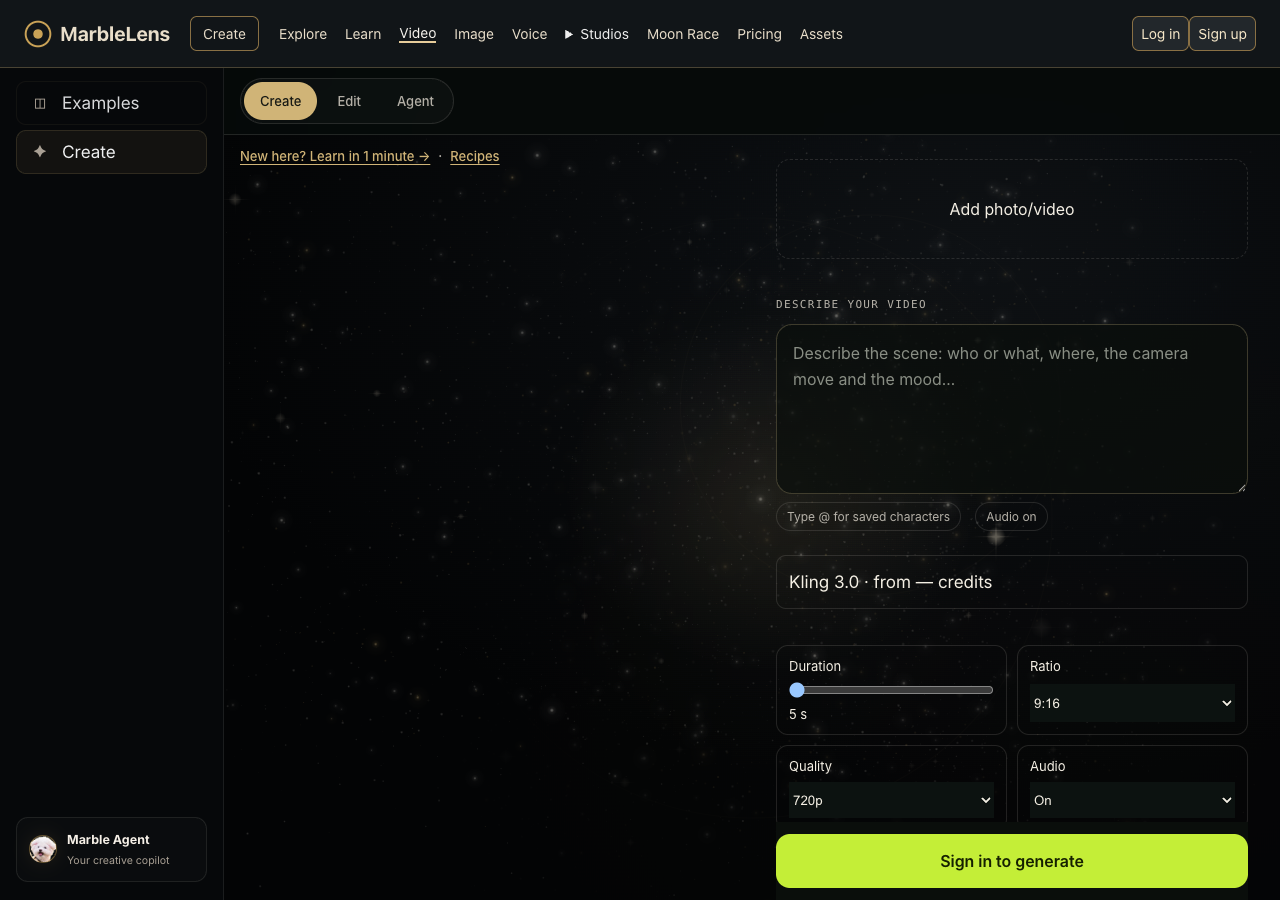
- Open Create and sign in. Choose Video, then select a photo you own or have permission to use if the selected model supports it.
- Describe one action in the prompt. Choose an available model and supported length.
- Review the current quote in credits, your photo, and the settings. If a quote is unavailable, change to supported settings or try later.
- Press Generate only when you are ready to use the quoted credits. Find the result in History or My Assets; inspect it before making another take.