Credits: how quotes work
Check the credits shown before you generate.
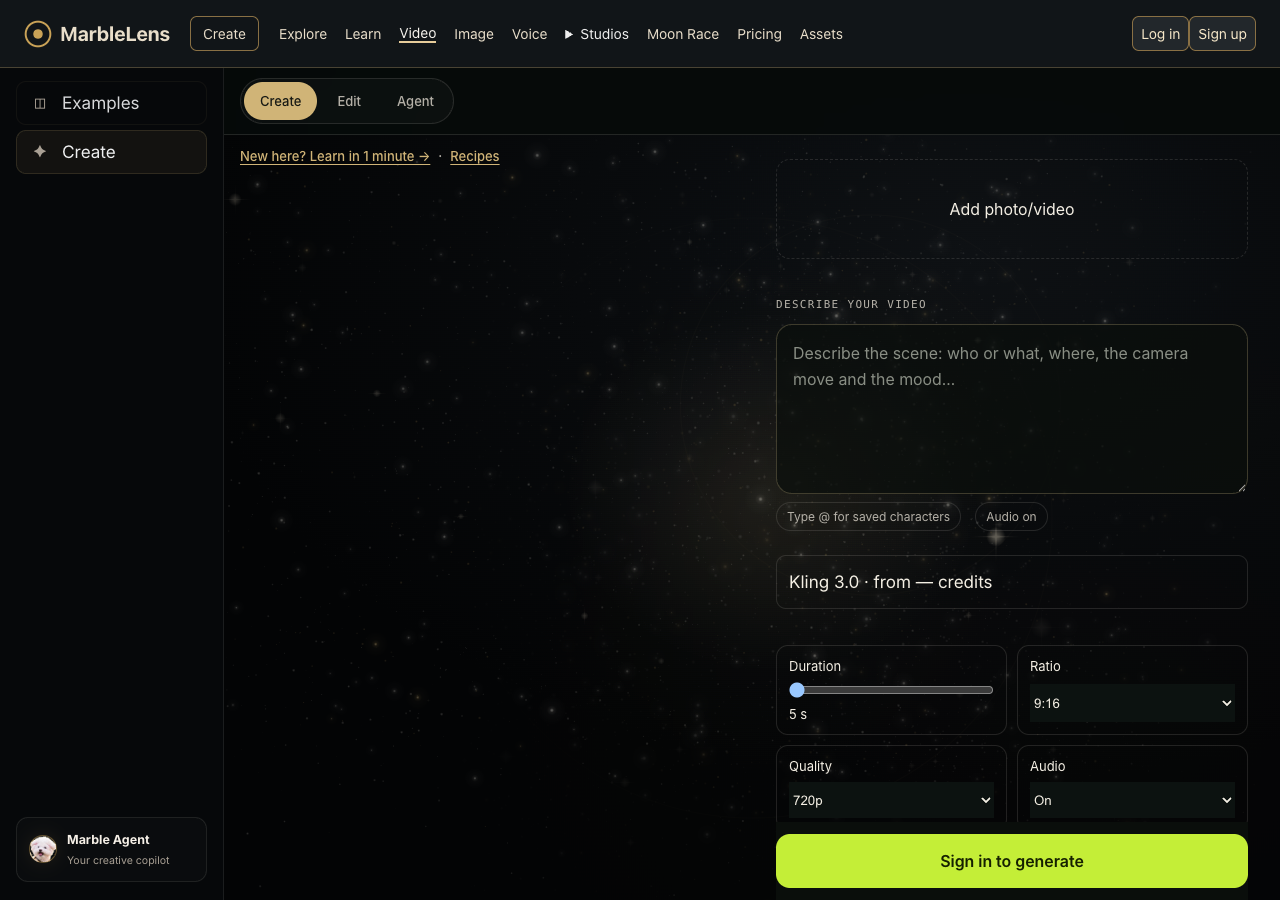
- Choose your model, video length and picture shape in Create. You will see how many credits the video needs. If you change the settings, check the credits again.
- The credits shown apply to those settings and your plan. A remix can give you a starting point, but check the amount in Create before you generate.
- When you press Generate, those credits are set aside. They are used when your video finishes. If generation fails, they come back once the failure is confirmed. If the result is still being checked, the credits may stay on hold until that check is complete.
- Check your balance and recent activity in your account. A finished video you do not like does not automatically qualify for credits back. Read the terms or contact Help if something looks wrong.