Choosing a model
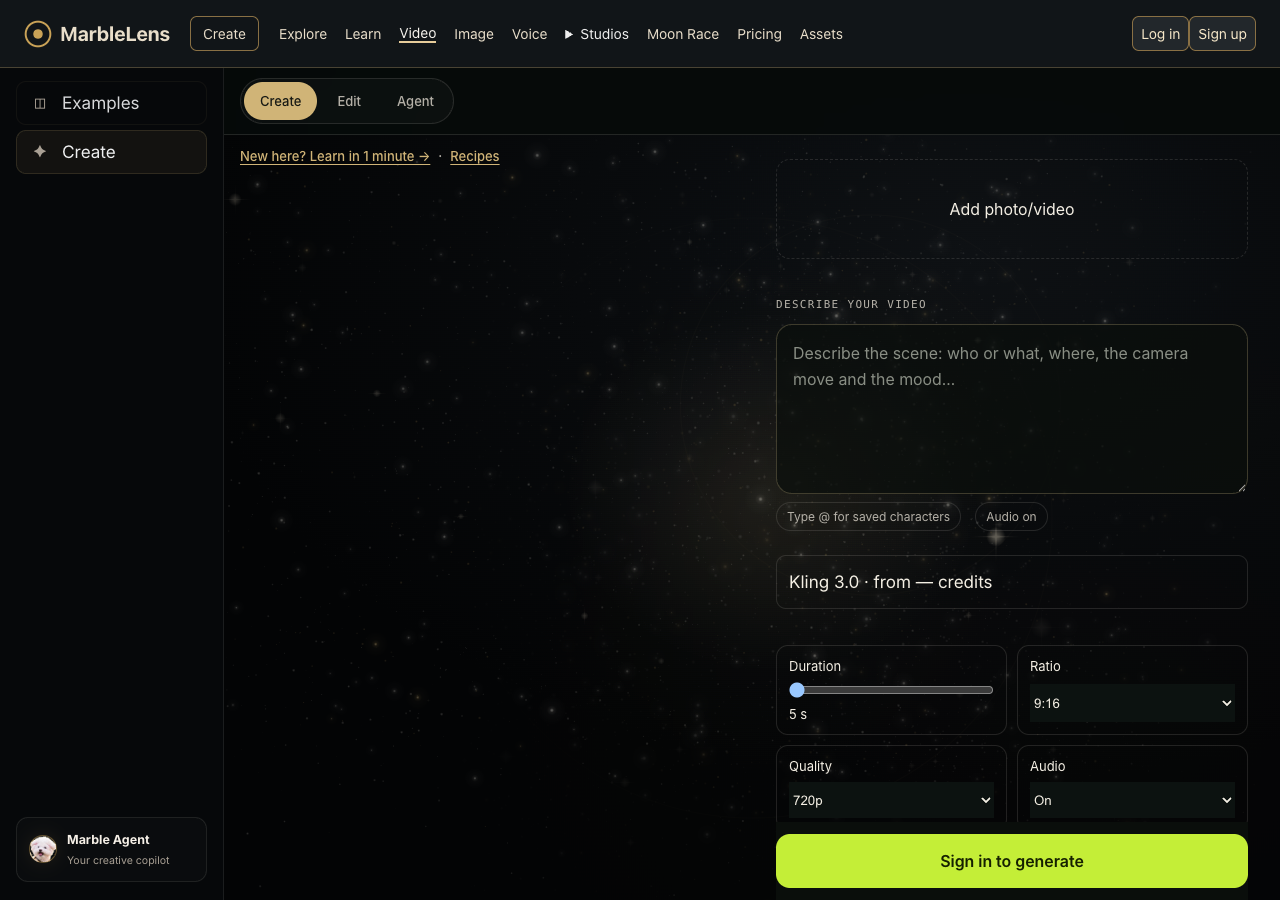
Compare Kling 3.0 and Seedance 2.5 in Create.
- Open the model selector to see your available choices, including Kling 3.0 and Seedance 2.5 when available.
- Check how long the video can be, its picture quality and shape, whether it includes sound, and whether you can add a photo.
- Compare the credits shown for your chosen settings. If an option is unavailable, choose another supported setting before you generate.
- Choose the model that fits your shot. Watch the whole result before making another version.